
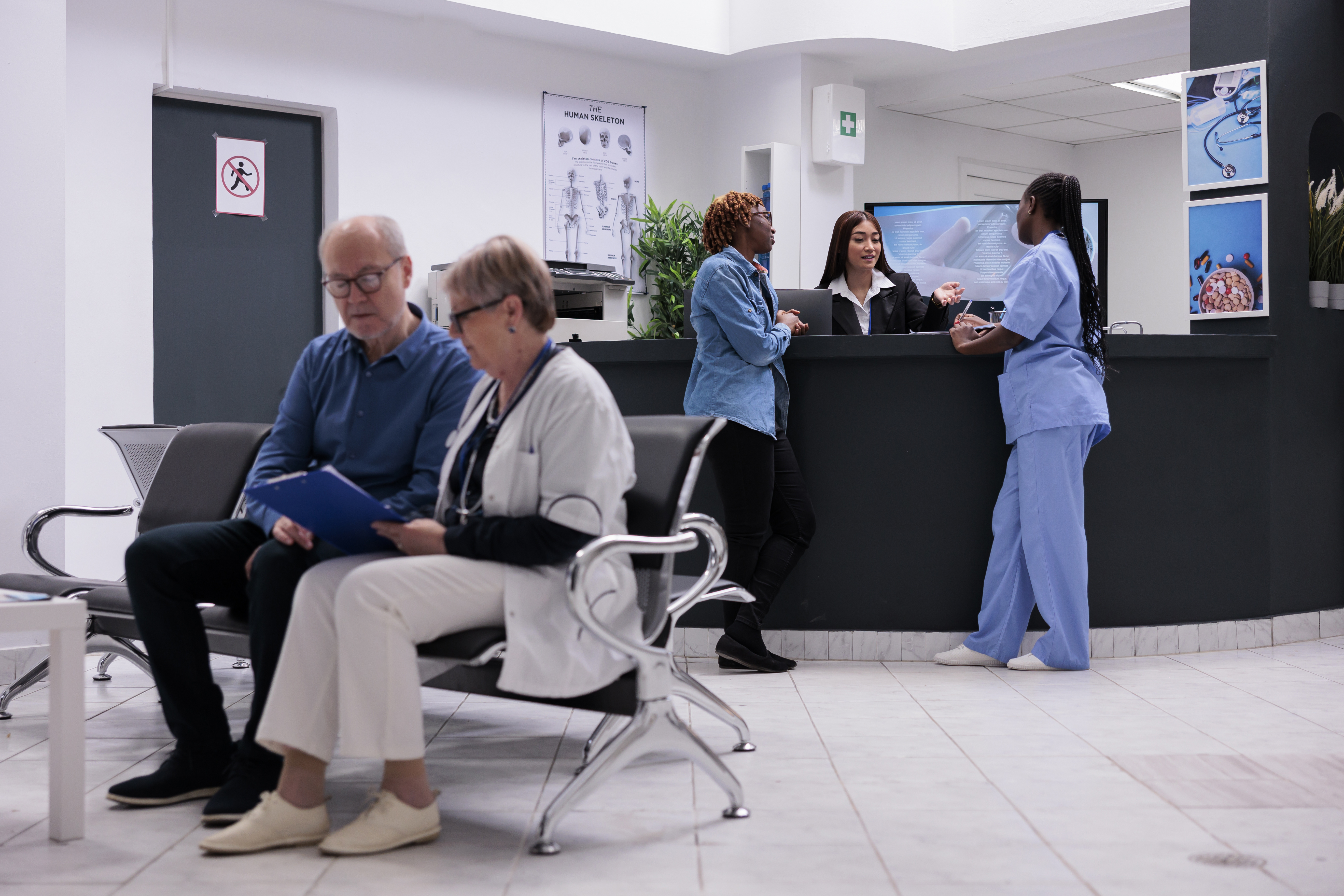
For hospital facilities managers, a conference room or shared desk is more than a piece of furniture. It is a critical asset tied to staff coordination, patient throughput, and compliance documentation. The right integrated workplace management software turns those spaces into visible, bookable, and reportable resources that support daily operations across clinical and administrative teams.
The hard part is unifying hot desk booking, room scheduling, and space data into a single platform that reflects what is actually happening on the floor. Hospitals face unique pressures: shift-based staffing, rotating specialists, shared clinical workspaces, and strict regulatory requirements for life safety and occupancy reporting.
Key Takeaways: Hospital Hot Desking and Room Scheduling in 2026
- Hot desking helps hospitals reduce idle space by matching desk availability to actual staff schedules and shift rotations.
- Room scheduling tied to verified floor plans ensures clinical and administrative teams book the right space for their needs.
- VLogic Systems links hot desking, room booking, and space data into one platform with field-verified drawings.
- Real-time occupancy tracking and sensor integration help hospital facilities teams see which spaces are actually in use.
- Integrated workplace management software centralizes scheduling, compliance, and maintenance in a single source of truth.
What Is Hot Desking in a Hospital Setting?
Hot desking is a workspace arrangement where employees do not have assigned desks. Staff reserve available desks based on their schedules rather than occupying permanent seats. In hospitals, this model applies to administrative staff, rotating physicians, visiting specialists, and clinical support teams who share limited workspace.
Healthcare environments operate differently from corporate offices. Staff work rotating shifts, move between departments, and share resources throughout the day. Traditional fixed seating creates idle desks during off-shifts and overcrowding during peak hours.
Hot desking addresses this by matching workspace availability to actual demand. Staff book desks when they need them, and spaces are released when schedules change. This approach reduces wasted square footage and improves coordination across departments.
Why Do Hospitals Need Room Scheduling Software?
Hospitals manage a wide range of shared spaces beyond patient rooms. Conference rooms, training areas, exam rooms, and administrative offices all require coordination across multiple teams. Without a structured booking system, scheduling conflicts and underutilized spaces become routine problems.
Room scheduling software gives facilities teams real-time visibility into which spaces are available and which are booked. Staff can reserve rooms in advance based on their needs, and administrators can track usage patterns to inform space planning decisions.
The operational benefit is clear: fewer double bookings, less time spent searching for available rooms, and better data for reporting. For healthcare facilities, this also supports compliance documentation and audit readiness.
How Hot Desking and Room Scheduling Work Together
Hot desking and room scheduling are two parts of the same operational challenge. Both involve allocating shared space to staff who need it at specific times. Both require accurate data about what is available and what is booked.
The difference is scope. Hot desking focuses on individual workstations where administrative or clinical staff complete documentation, calls, or focused work. Room scheduling addresses shared spaces where groups meet, train, or collaborate.
When these functions operate in separate systems, facilities teams lose visibility. A desk may appear available while the adjacent conference room is fully booked. Staff waste time checking multiple tools or walking the floor to find open space.
Integrated platforms solve this by bringing desk booking and room scheduling into the same interface. Staff see availability across both workspace types. Administrators get unified reporting on space utilization across the facility.
What Is Integrated Workplace Management Software?
An Integrated Workplace Management System, or IWMS, is a single cloud platform that brings space management, asset maintenance, capital projects, compliance data, and workplace scheduling together in one place. That single source of truth is the difference between disconnected tools and a clear, current view of every building you manage.
For hospital facilities teams, IWMS platforms connect room scheduling and hot desking to the underlying floor plans, asset records, and maintenance workflows. This means the desk you book is tied to a verified location on the drawing, linked to the equipment at that workstation, and visible to the maintenance team if something needs repair.
VLogic Systems builds VLogicFM as a cloud-based IWMS that unifies space management, maintenance and asset management, drawing management, and workplace scheduling. The platform connects these functions through a shared data model so that updates in one area flow automatically to others.
Core Features of Hospital Hot Desking Software
Not all hot desking tools are built for healthcare environments. Hospitals need features that account for shift-based staffing, clinical workflows, and regulatory requirements. The following capabilities are essential for any platform supporting hospital hot desk management.
Shift-Based Desk Booking
Hospital staff do not work standard business hours. Nurses, technicians, and administrative personnel work in shifts that rotate throughout the day and week. Hot desking software for hospitals must allow bookings aligned to shift schedules rather than fixed time blocks.
Staff should be able to reserve desks for their specific shift window. When schedules change, the system should release those desks automatically so others can book them. This prevents ghost bookings where desks appear occupied but sit empty.
Real-Time Desk Availability
Staff need to see which desks are open before they arrive. Real-time availability views eliminate the guesswork that leads to wasted time and frustration. Interactive floor plans showing open, booked, and occupied desks give staff confidence that their reservation will be honored.
Real-time occupancy tracking adds another layer of accuracy. Sensors detect whether a desk is actually in use, not just reserved. This data helps administrators identify no-shows and release unused bookings for others.
Mobile Access for Staff on the Move
Healthcare workers move between departments, floors, and buildings throughout their shifts. Mobile-friendly booking tools let staff reserve desks from anywhere, whether in the lobby, between patient appointments, or during shift handoff.
Mobile access also supports check-in and check-out workflows. Staff confirm their arrival at a reserved desk, and the system marks the space as occupied. This improves data accuracy and supports accountability in shared workspace environments.
Integration with Scheduling Systems
Hot desking software should connect to the hospital's existing scheduling and HR systems. When a staff member's shift is approved, their desk booking should reflect that schedule automatically. When a shift is cancelled, the desk reservation should release without manual intervention.
Integration reduces administrative burden and keeps the booking system aligned with operational reality. Facilities teams spend less time resolving conflicts and more time managing space strategically.
Core Features of Hospital Room Scheduling Software
Room scheduling in hospitals covers conference rooms, training spaces, exam rooms, and administrative areas. The right platform gives facilities teams centralized control over these shared spaces while making booking easy for staff.
Centralized Room Inventory
Hospitals often manage dozens or hundreds of bookable rooms across multiple buildings. A centralized room inventory provides a single view of every space, its location, capacity, equipment, and availability. Administrators can manage all rooms from one platform rather than coordinating across departmental spreadsheets.
VLogicFM maintains room inventories linked to verified floor plans. Each room on the drawing connects to its booking record, equipment list, and maintenance history. This connected data model keeps information accurate and current.
Equipment and Resource Tagging
Not all conference rooms are equal. Some have video conferencing equipment. Others have specialized displays or medical imaging capabilities. Room scheduling software should allow staff to search for rooms based on the equipment or resources they need.
Tagging rooms with their capabilities makes booking faster and reduces the chance of reserving a space that does not meet the meeting's requirements. Facilities teams can also track equipment usage and plan for upgrades based on demand data.
Calendar Integration
Staff should be able to book rooms directly from their existing calendar applications. Integration with Microsoft Outlook, Google Calendar, or other scheduling tools makes room booking part of the normal workflow rather than a separate system to learn.
Two-way sync ensures that room reservations appear on staff calendars and that calendar changes update the room booking system. This prevents double bookings and keeps everyone informed about room availability.
Check-In and Auto-Release
Ghost bookings, where rooms are reserved but never used, are a common problem in shared workspace environments. Check-in features require staff to confirm their arrival at a booked room. If no one checks in within a defined window, the system releases the room for others to book.
Auto-release policies recover unused space automatically. Facilities teams can set rules that balance flexibility for late arrivals with efficient use of limited room inventory.
How Integrated Workplace Management Software Supports Hospital Operations
Hot desking and room scheduling deliver the most value when they connect to the broader facility management ecosystem. Integrated platforms link workplace scheduling to space data, asset records, maintenance workflows, and compliance documentation.
Connecting Bookings to Verified Floor Plans
When a staff member books a desk or room, that reservation should map to a specific location on the floor plan. This requires accurate, current drawing management that reflects the actual layout of the building.
VLogic Systems maintains floor plans through architectural field verification. Field teams survey buildings to confirm that drawings match real-world conditions. This accuracy supports reliable space data, compliance reporting, and emergency response planning.
Linking Space Data to Maintenance Records
The desk you book may have equipment that needs repair. The conference room you reserve may have a projector that requires calibration. Integrated platforms connect workspace booking to asset and maintenance records so facilities teams can address issues proactively.
When staff report a problem with a booked space, the work order routes to the maintenance team with full context: location, equipment, and booking schedule. Technicians can prioritize repairs based on upcoming reservations and operational impact.
Supporting Compliance and Audit Readiness
Hospitals face strict regulatory requirements for life safety, occupancy, and space documentation. Integrated workplace management software creates an audit trail of space usage that supports compliance reporting.
Healthcare compliance requires accurate records of who occupied which spaces and when. Booking data, check-in logs, and occupancy tracking all contribute to documentation that satisfies Joint Commission, CMS, and NFPA requirements.
Step-by-Step Guide to Implementing Hospital Hot Desking
Implementing hot desking in a hospital requires planning, communication, and the right technology. The following steps outline a practical approach for facilities teams leading this transition.
Step 1: Assess Current Space Utilization
Before implementing hot desking, understand how your current workspaces are actually used. Walk the floor at different times to observe occupancy patterns. Review badge data or access logs to identify peak and low-usage periods.
This baseline data informs decisions about how many hot desks to create and where to locate them. It also helps identify departments or teams that may benefit most from flexible workspace arrangements.
Step 2: Define Booking Policies
Establish clear rules for how staff will reserve and use hot desks. Define booking windows, check-in requirements, and cancellation policies. Determine whether desks will be available on a first-come basis or require advance reservation.
Policies should account for shift-based scheduling, department-specific needs, and fair access across staff groups. Document these rules and communicate them clearly before launch.
Step 3: Prepare the Physical Space
Hot desking requires workstations equipped for shared use. Ensure each desk has power outlets, network connectivity, and any equipment staff need. Establish storage options for personal items that cannot remain at desks overnight.
Cleaning protocols become more important in shared workspace environments. Define expectations for desk cleanup and supplies for staff to wipe down workstations between uses.
Step 4: Configure the Booking System
Set up your hot desking software with accurate desk inventory, floor plan integration, and booking rules. Test the system with a pilot group to identify issues before broader rollout. Gather feedback on usability and adjust configurations as needed.
Integrate the booking system with existing scheduling and HR tools to automate desk assignments based on approved shifts. This reduces manual work and keeps bookings aligned with operational schedules.
Step 5: Train Staff and Launch
Short video tutorials, quick-reference guides, and hands-on practice sessions help staff adopt the new system quickly. Cover how to book desks, check in, cancel reservations, and report issues.
Launch with clear communication about go-live dates, support resources, and feedback channels. Monitor adoption rates and space utilization in the weeks following launch. Use this data to refine policies and address emerging issues.
Step-by-Step Guide to Implementing Room Scheduling
Room scheduling implementation follows a similar pattern but focuses on shared meeting spaces rather than individual workstations. The following steps outline a practical approach for hospital facilities teams.
Step 1: Inventory All Bookable Rooms
Create a complete inventory of rooms that will be available for scheduling. Include conference rooms, training spaces, exam rooms, and any other shared areas. Document each room's location, capacity, equipment, and any access restrictions.
This inventory becomes the foundation of your room scheduling system. Accurate data ensures staff can find and book appropriate spaces for their needs.
Step 2: Map Rooms to Floor Plans
Connect each room in your inventory to its location on the facility floor plan. This visual reference helps staff navigate to booked rooms and gives administrators a clear view of space allocation across buildings.
VLogicFM links room records to field-verified as-built drawings. This connection ensures that the room you see in the booking system matches the actual space in the building.
Step 3: Define Scheduling Rules
Establish policies for room reservations, including maximum booking duration, advance booking limits, and cancellation windows. Determine whether certain rooms should be restricted to specific departments or available to all staff.
Configure check-in requirements and auto-release rules to recover unused bookings. These policies balance access for staff with efficient use of limited room inventory.
Step 4: Integrate with Calendars
Connect your room scheduling system to staff calendar applications. Two-way integration ensures that room bookings appear on calendars and that calendar events update the scheduling system. This prevents double bookings and reduces friction for staff.
Test integrations thoroughly before launch. Calendar sync issues create frustration and undermine confidence in the new system.
Step 5: Launch and Monitor
Roll out the scheduling system with training and support resources. Monitor usage patterns in the weeks following launch. Identify rooms with high demand and those that remain underutilized. Use this data to adjust room inventory, policies, or layouts.
Common Challenges in Hospital Workspace Coordination
Hospitals face specific challenges when implementing hot desking and room scheduling. Understanding these obstacles helps facilities teams plan for success.
Shift-Based Scheduling Complexity
Unlike corporate offices with standard business hours, hospitals operate around the clock. Staff schedules shift weekly, and last-minute changes are common. Booking systems must accommodate this complexity without creating administrative burden.
Automated integration with scheduling systems helps. When shifts change in the HR system, desk and room bookings adjust automatically. This keeps workspace allocation aligned with actual staffing levels.
Shared Spaces Across Departments
Clinical and administrative teams often share workspaces that serve different purposes at different times. A training room may host morning orientation sessions and afternoon department meetings. Managing these overlapping uses requires clear policies and flexible booking tools.
Centralized scheduling gives administrators visibility across departments. They can identify conflicts, balance demand, and adjust allocations based on operational priorities.
Regulatory Documentation Requirements
Healthcare facilities must document space usage for compliance reporting. Occupancy data supports life safety planning and regulatory audits. Booking systems that track who used which spaces and when create the documentation trail hospitals need.
Integrated platforms connect booking data to compliance workflows. Reports pull directly from scheduling records, reducing manual compilation and improving accuracy.

Leave a Reply