Skip to content
English - United States
  • There are no suggestions because the search field is empty.

How do I work with drawings?

When viewing a drawing you can turn on and off layers, view and add markups, and more.

Select the drawing you would like to work with and click view.
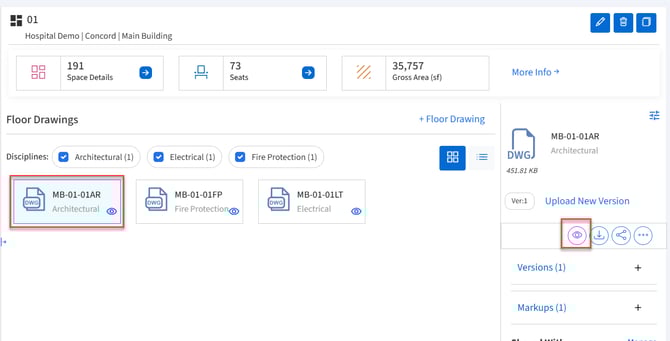
Drawling list with drawing selected and view button boxed.View Layers

Click the Layers button in the toolbar.
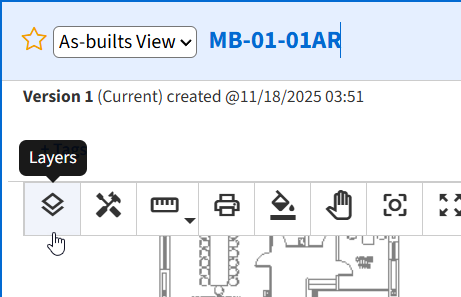
Drawing toolbar with pointer on layers button

Select or deselect layers as needed for viewing then click Apply.
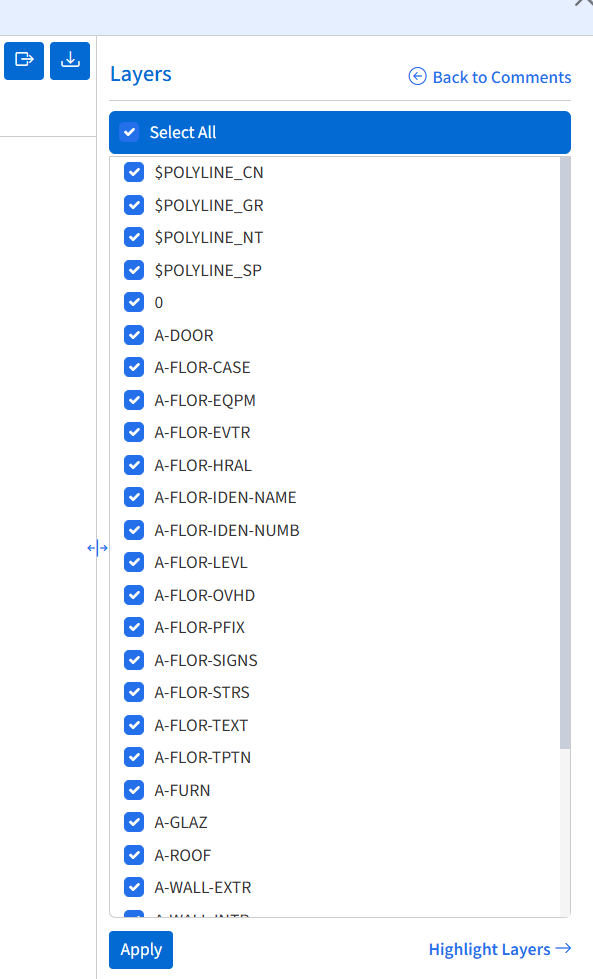
Layers control

Highlight Layers

  1. Click Highlight Layers on the right Layers panel.
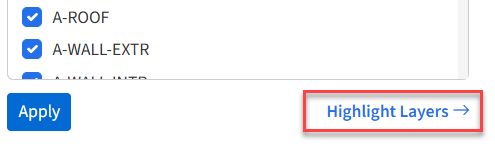
    Highlight layers link boxed.
  2. Select a Highlight color by clicking the colored box.
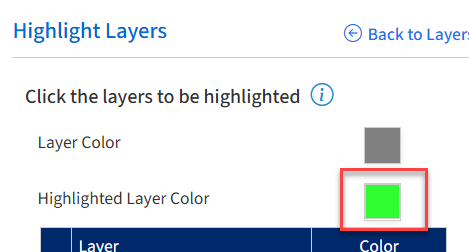
    Highlight color selection with colored box boxed.
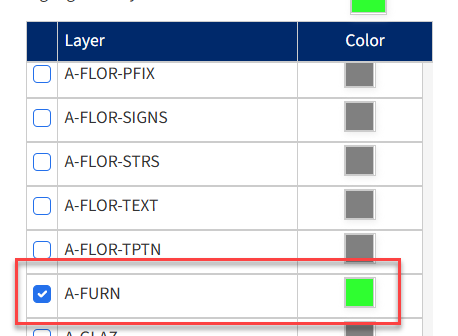
  3. Select the layer to highlight
  4. See the layer highlighted in the drawing.
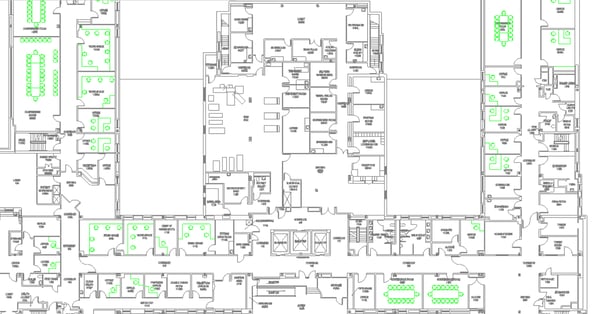
    Drawing with layer highlighted.

Add or view Markup

  1. Click the Markup button in the toolbar.
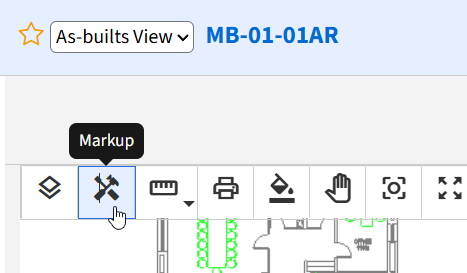
    Drawings toolbar with pointer on markup button.
  2. Select the desired markup tool from the left toolbar.
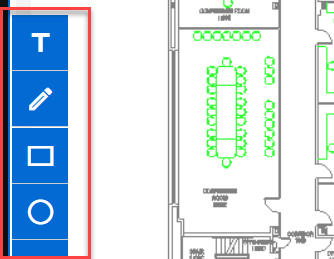
    Markup toolbar boxed.

  3. Add markup to the drawing and click save.
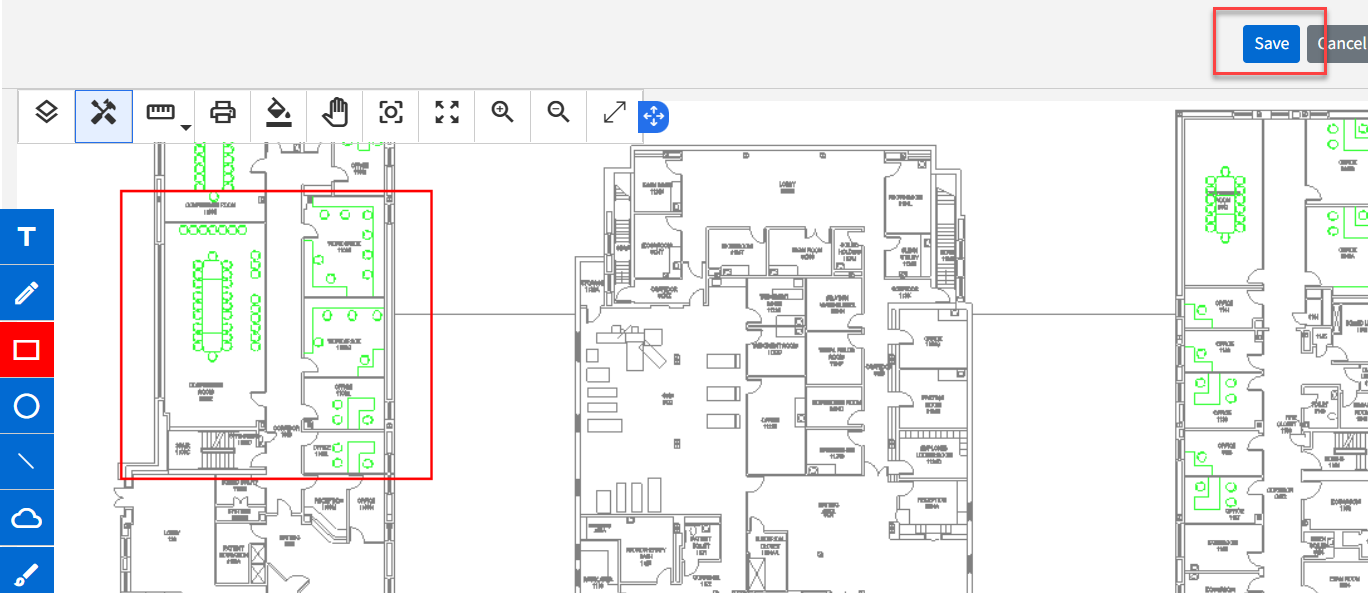
    Drawing with markup and save button boxed.
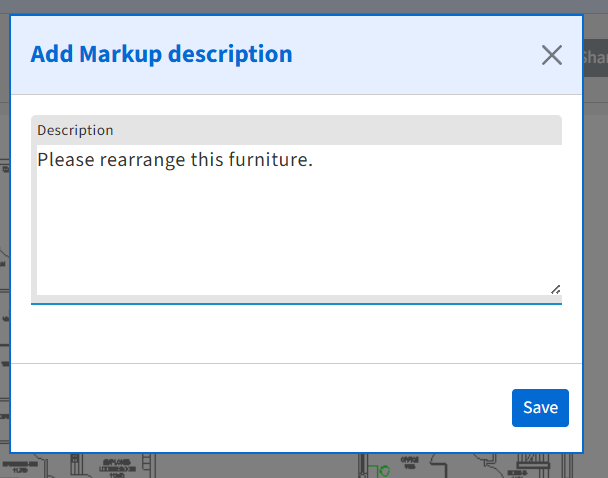
  4. Add a description and click save.
    Markup description modal.