
1. Link Space – Within the Floor
Allows users to link spaces on the currently open floor drawing, enabling quick, accurate association of the asset with nearby spaces.
2. Link Space – Outside the Floor
Allows linking spaces on different floors or buildings within the same site using either the Data or Drawing option, offering flexibility to connect assets that serve areas beyond the current drawing.
3. Highlight Within the Floor
Allows users to visually highlight associated spaces on the current floor.
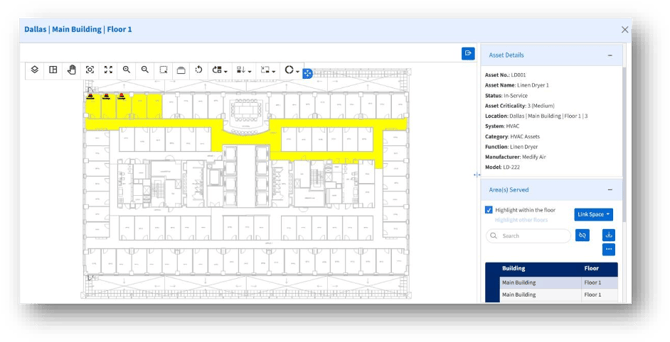
4. Highlight Outside the Floor
Allows users to highlight associated spaces outside the floor visually.