
Navigate: System Settings →Space → General→ Portfolio settings.
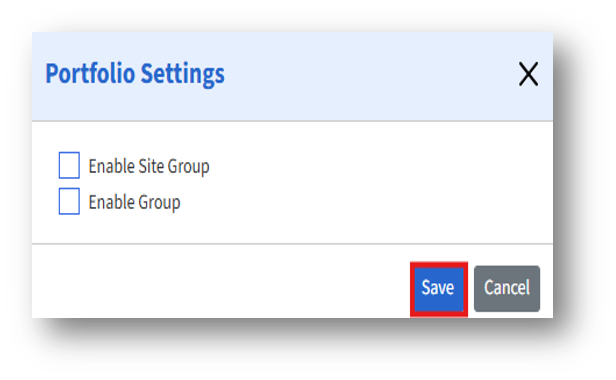
The Portfolio Settings page lets admins configure grouping options to organize sites within the portfolio. Any changes made on this page will be reflected in the Facility Portfolio module, influencing how site-related data is grouped and managed.
Configuration Options:
a. Enable Site Group – When enabled, this option allows admins to create and manage Site Groups within the Facility
b. Enable Group – This option allows the creation of Groups that can represent collections of entities (such as buildings, sites) under the Facility Portfolio.
c. Click the Save button to apply changes.