
Navigate: System Settings →Space → Move→ Settings.
The “General Settings” page allows admins to configure system behavior and execution preferences for employee moves.
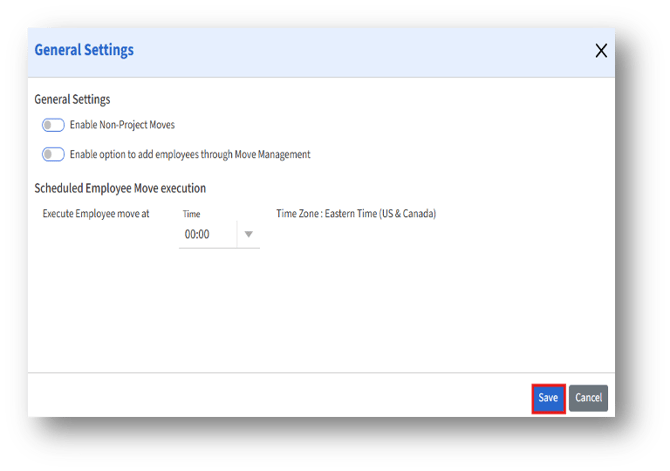
Enter the following details:
|
Setting |
Purpose |
Effect when enabled/configured |
|
Enable Non-Project Moves |
Allows employees to move without linking to a project |
Enables creation of non-project-based moves |
|
Enable option to add employees through Move Management |
Allows direct addition of employees to a move request |
Displays “Add Employee” option in Move Management |
|
Execute Employee move at |
Select the execution time for scheduled moves from the drop-down list |
Scheduled moves execute at the specified time |