
Navigate: System Settings →Space → Employee→ Settings.
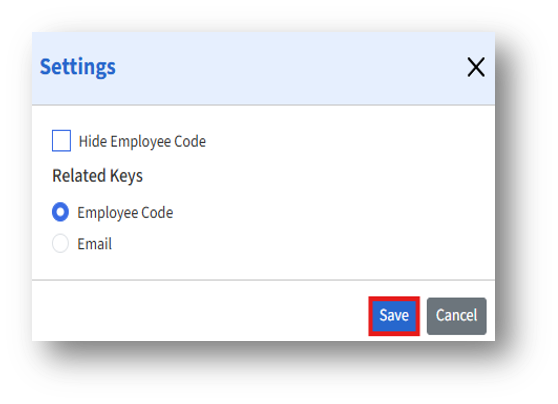
The Employee Settings page allows admins to configure visibility and key identification preferences for employee-related information within the system.
Configuration Options
1. Hide Employee Code – When this checkbox is selected, the Employee Code field will be hidden from the Employee Details page.
2. Related Keys (Section)
This section allows you to define the primary identifier used to import employee details into the system.
Options:
a. Employee Code (Radio Button)
When selected, the Employee Code is used as the primary reference key for importing employees across the application.
b. Email (Radio Button)
When selected, the Email Address serves as the unique identifier for importing employee records.