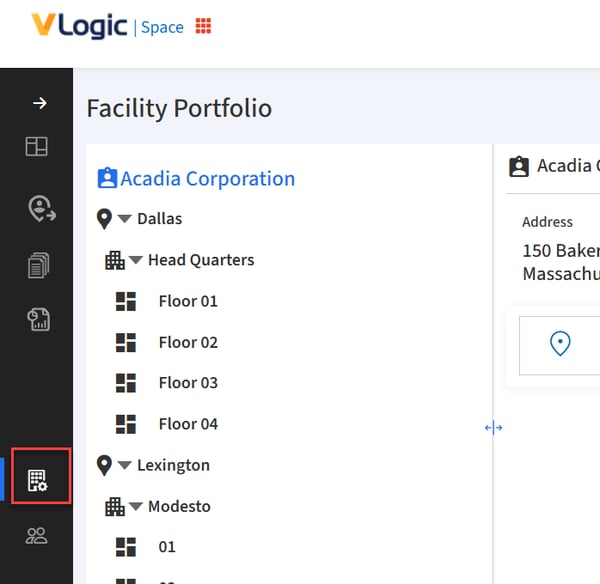
- Click on the Facility Portfolio icon in the navigation menu.
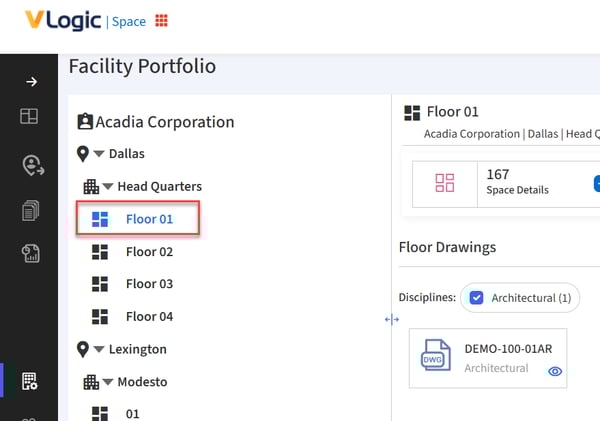
- Select the appropriate location from the folder tree.
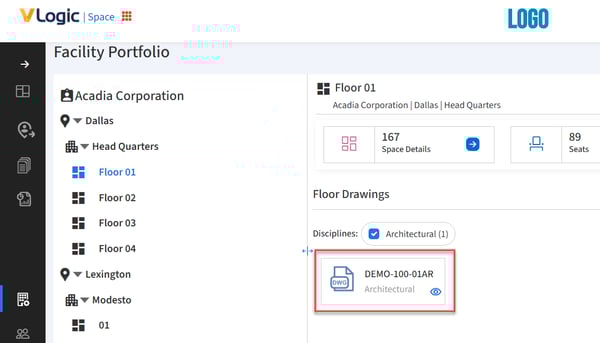
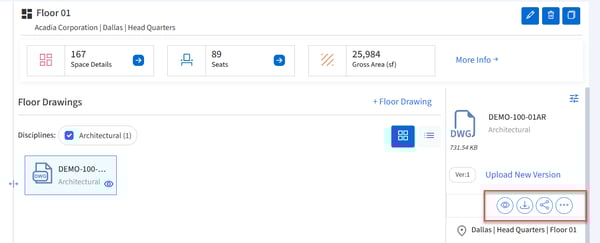
- When in Tile view, select the tile of the drawing you would like to view or download.
When in List view, select the row of the drawing you would like to view or download.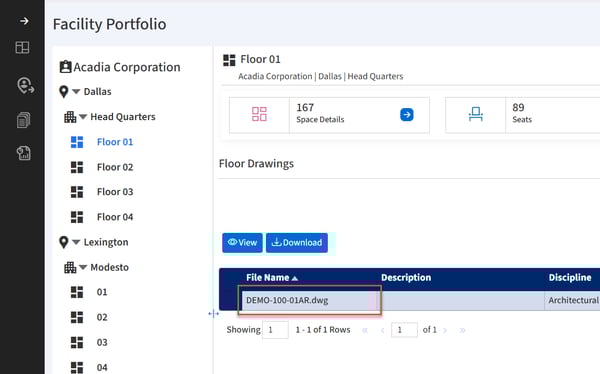
- Click the View, Download or other action icons as needed.
English - United States
