Upload a drawing
- Navigate to your Facility Portfolio.
- Select where you want to store the drawing from the tree. Drawings can be stored at the Site, Building, or Floor level.
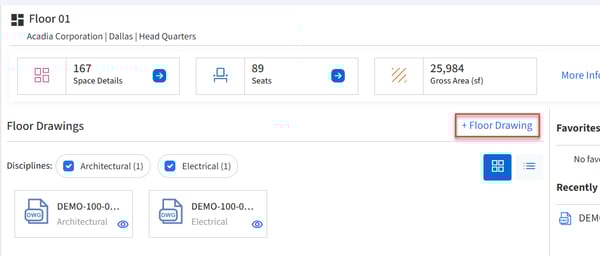
- Click the + Drawing button in the center pane.
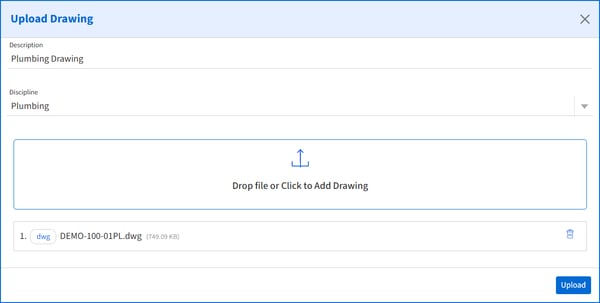
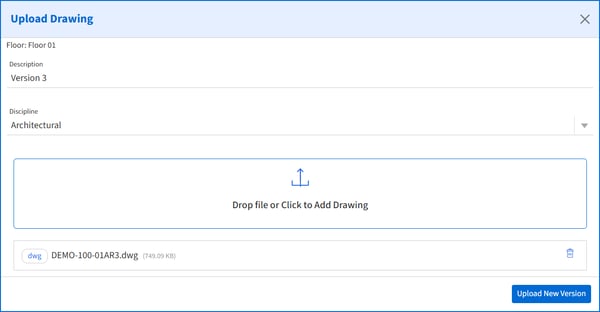
- Add a Description, select a discipline, and drop a file or click to add. Then click Upload.
Upload a new version of a drawing
- Select the drawing you would like to add a new drawing for.
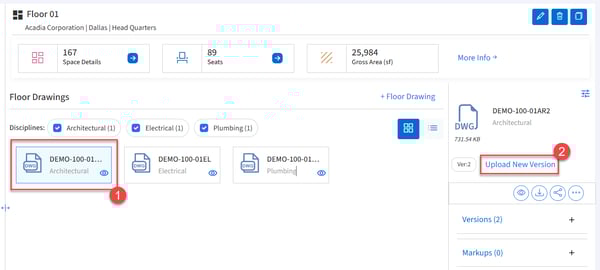
- Click Upload New Version.
- Add a Description and drop file or click to add. Then click Upload New Version.
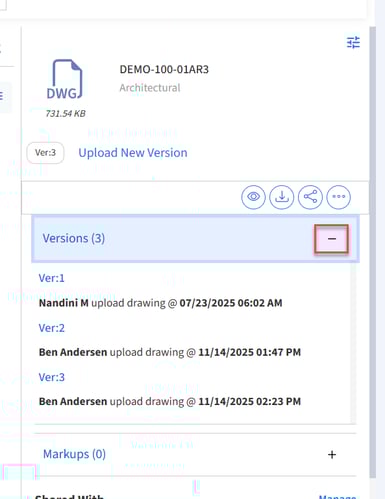
- View the multiple versions in the Details pane by expanding Versions.