
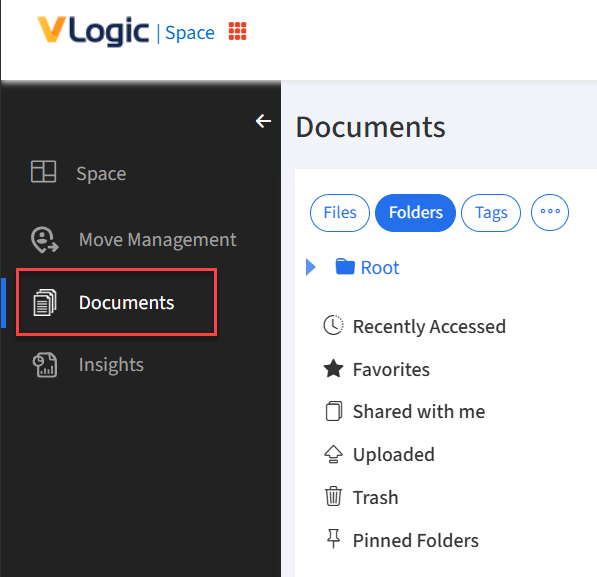
Navigate to Documents
Click Documents from the Navigation Menu.
Share with an Employee
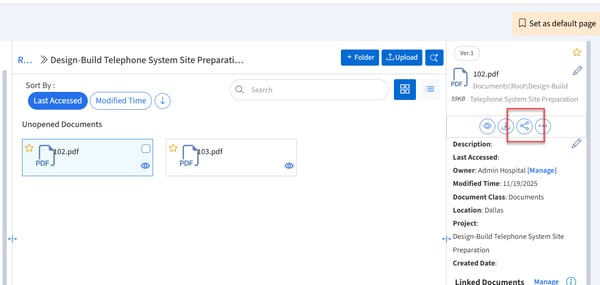
- Select the document you would like to share and click the share button.
- Find the employee(s) you would like to share with.
Note: Only employees setup in your Employees module will be available.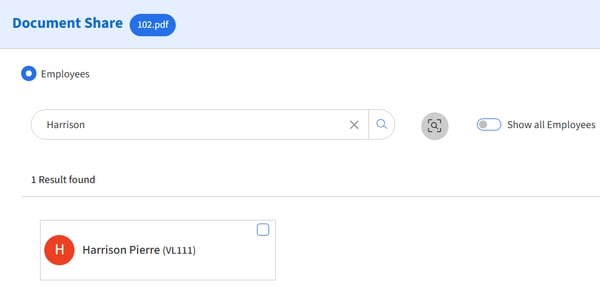
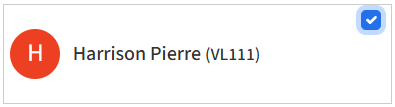
- Select the employee(s) by checking the box in the top right corner of the card.
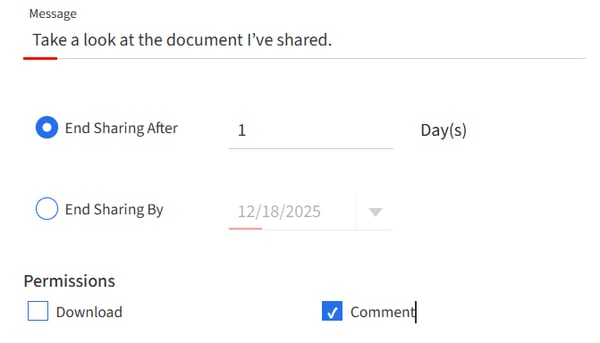
- Update the message and sharing settings. Set an appropriate end date and permissions.
- Click the Share button to finish.