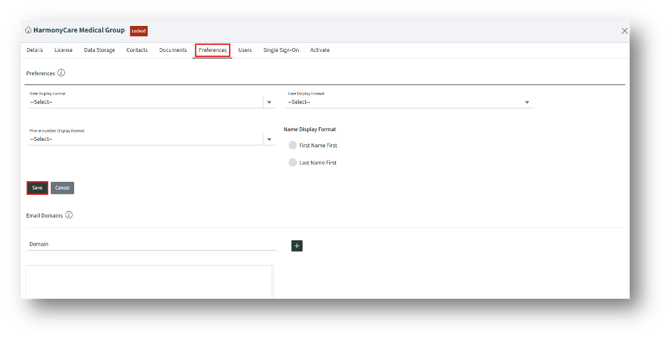
Preferences
Under the Preferences page, select from the drop-down menu for the fields available, and click the Save button to save the preferences.
Email Domains
This will set the allowed domains for the Customer. This will be validated when Users are created.
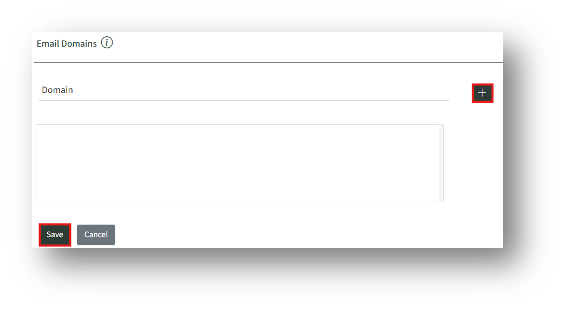
A. To add a domain, type the domain (e.g., evercrest.com) and click the Add button.
B. Click the Save button to save the domain details.
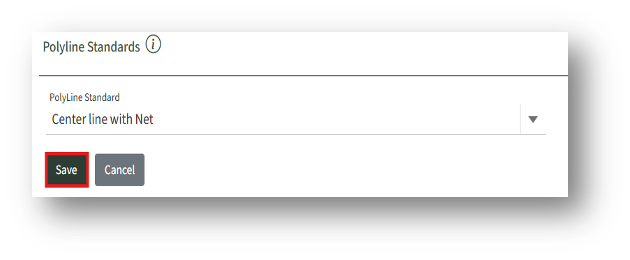
Set Polyline Standards