1. By default, the Documents section will appear as shown below.
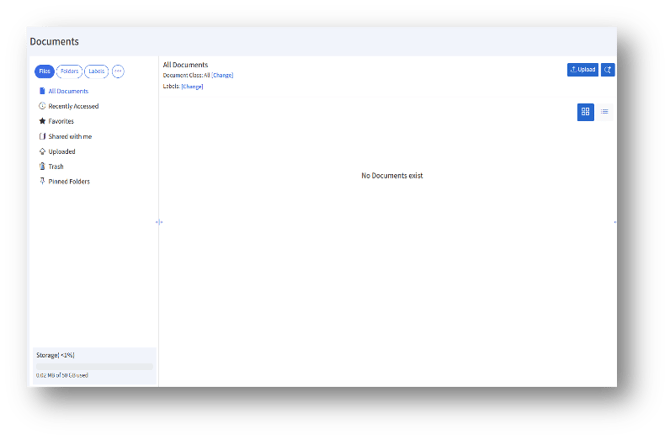
2. To upload documents under the Organization Repository, activate the toggle button “Enable uploading documents to workplace.”

3. If the admin wishes to upload under Site/Workplace, click the “Change” link.
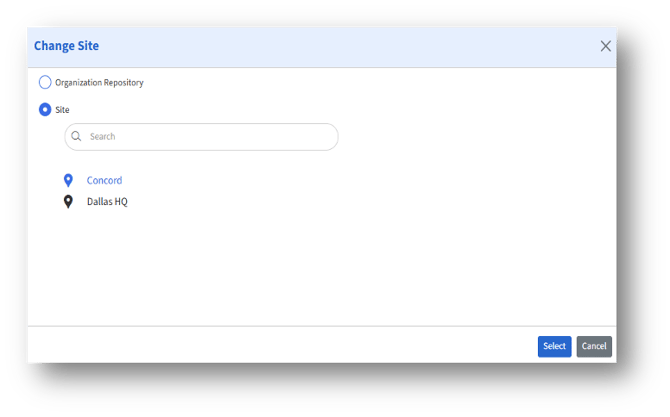
4. The Change Site page appears. The admin can select the Site radio button, choose a listed site, and then click the “Select” button.
5. The admin can also search for sites under “Search.”
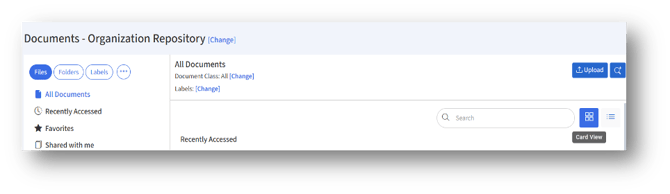
6. The selected site will be as shown below.

7. The documents can be viewed either in Card view/Grid view. By default, Card view will appear.
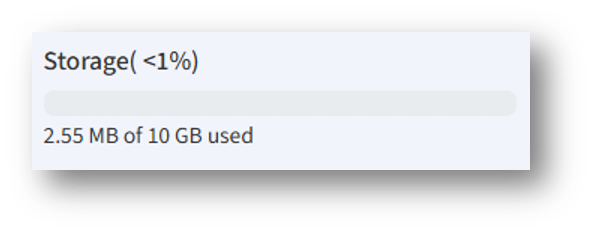
8. The storage usage percentage and remaining storage capacity are displayed at the bottom left of the page.