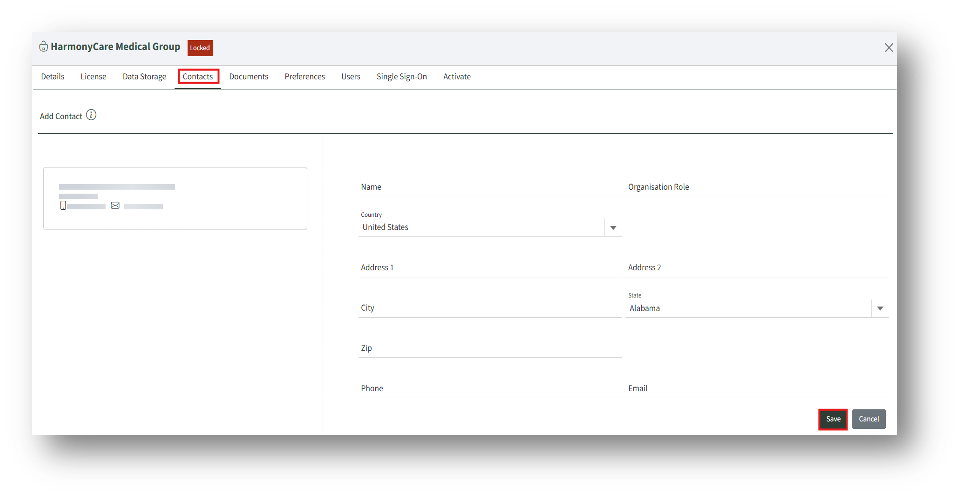
1. Under the Add contact section, enter the details and click the Save button to add a new contact.
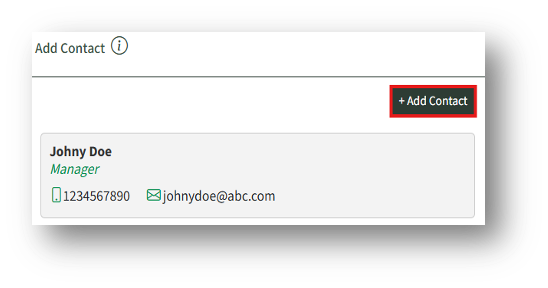
2. The added contact will appear on the left side of the page. The admin can add more contacts by clicking the “Add Contact” button and repeating the process.