
The Add Guest option lets you invite participants from outside your organization, such as clients, contractors, or visitors.
Steps:
- Click + Guest.
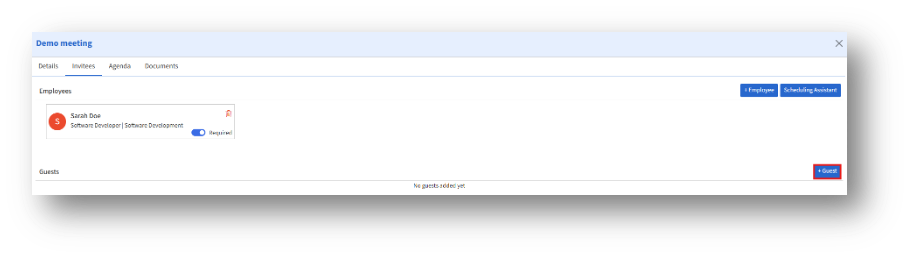
2. The Add Guest window appears with fields for guest information.
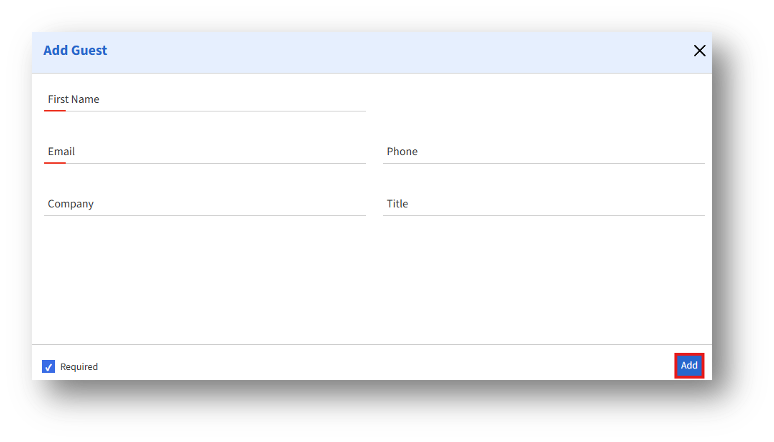
3. Enter the details and enable Required if the guest must attend.
4. Click Add to include the guest in the reservation.