
Navigate: System Settings→ Accounts → Roles and Users → Roles→ System Roles

1. Clicking the “Add” button opens the “Add Role” page.
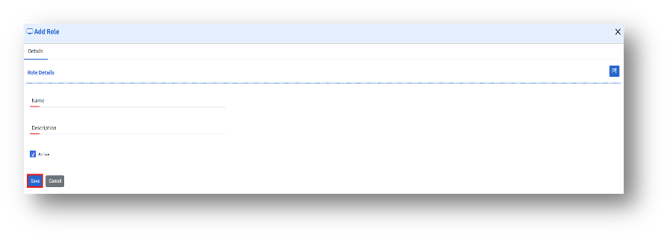
2. Active Checkbox
a. If checked, the role will be active.
b. If unchecked, the role will be inactive, and the users assigned to the role will not have access.
3. Enter the following details and click the Save button to create a new role.