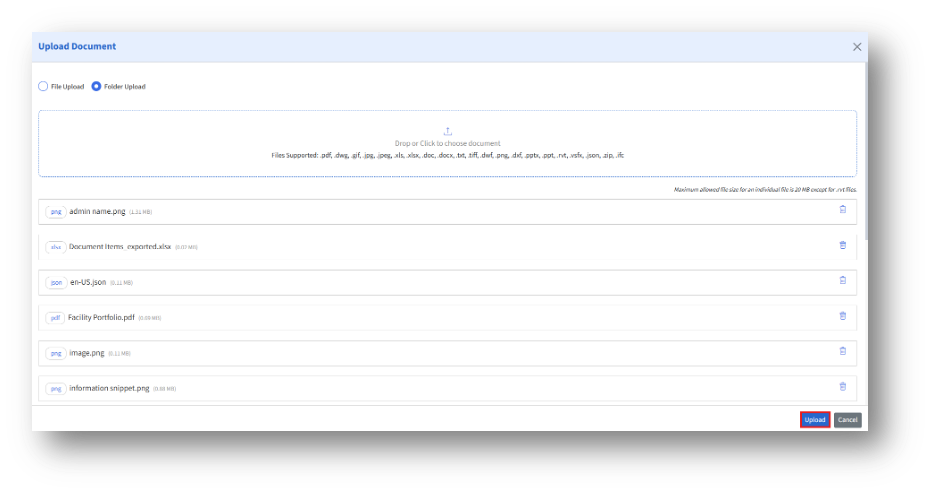
Under the “Uploaded” section, the admin can upload multiple files either via “File Upload” or “Folder upload.”
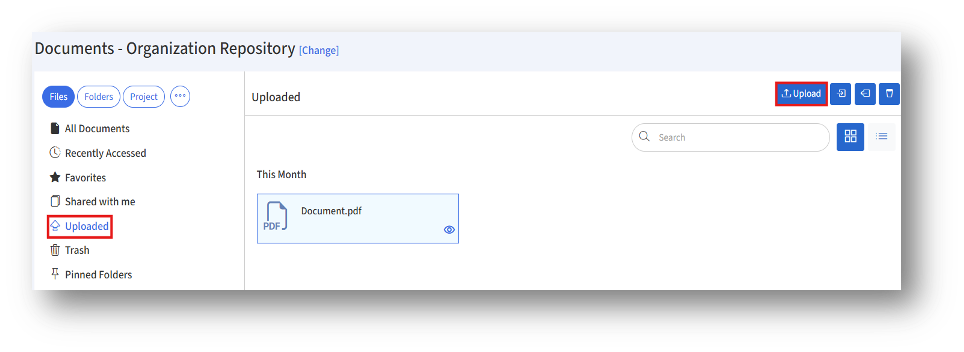
Clicking the “Upload” button will open the “Upload Document” page.
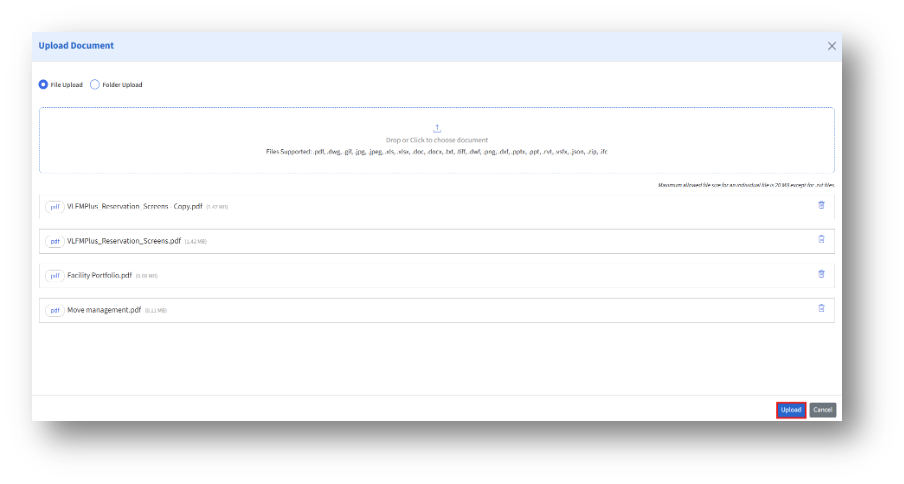
- File upload
The admin can either drag and drop or click to browse and select file(s) in the “Drop or Click to Choose Document” section, then click the “Upload” button.
2. Folder upload
The admin can either drag and drop or click to browse and select a folder containing files in the “Drop or Click to Choose Document” section, then click the “Upload” button.