
Navigate: System Settings→ General → Customer Logo
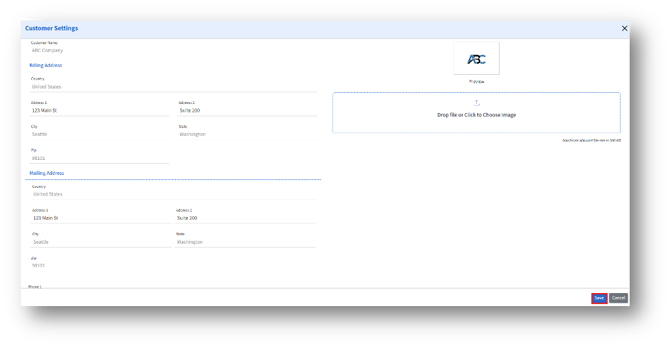
1. Drop file or click to choose image – Drag and drop the image or click the upload box to browse and select from your computer.
2. The admin can edit the available fields under Billing and Mailing address and click the Save button to save the changes.