
Skip to content
English - United States
  • There are no suggestions because the search field is empty.

How can I unlock a floor drawing?

To unlock a floor drawing look at the following instruction.

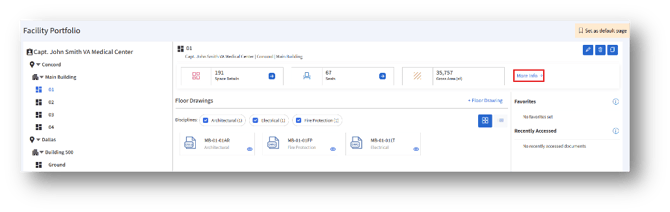
  1. To unlock a floor drawing, choose the floor and click the “More info→” button on the top right corner of the page.
  2. Clicking the “More info→” button will open the floor details page. Choose the “Floor plans” tab.
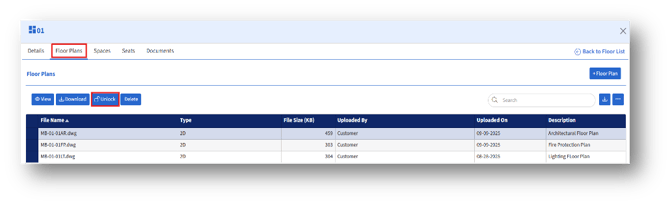
    3. Select a file under File name tab and click the “Unlock” button.
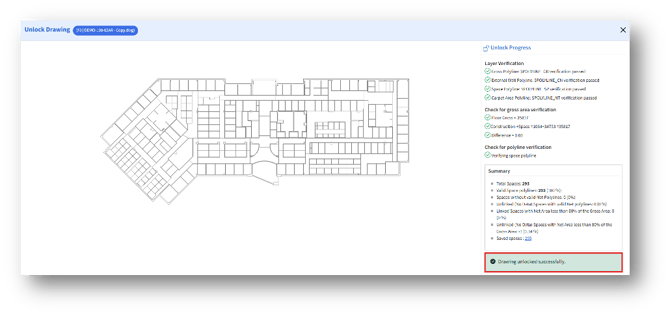
  4. The “Unlock Drawing” page will appear with the unlocked drawing and their details.