1. Click the “Import” button to import bulk CAI Space Driver data into the system.
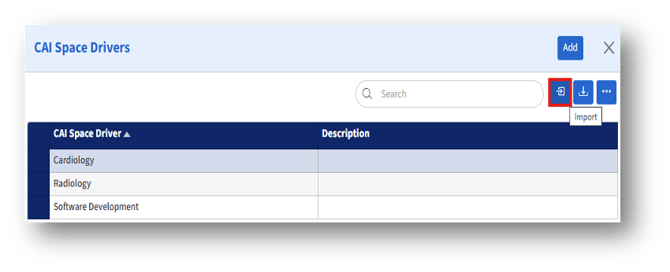
2. Click the “Import” button to navigate to the “Import Data”
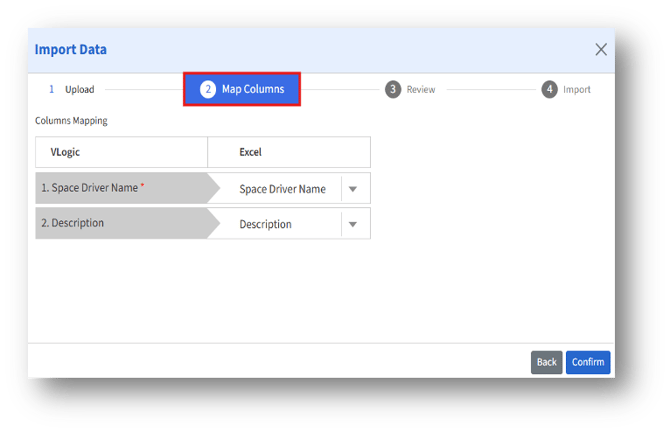
3. In the “Map Columns” section, the CAI Space Driver details in “Excel” fields should match the “VLogic fields.”