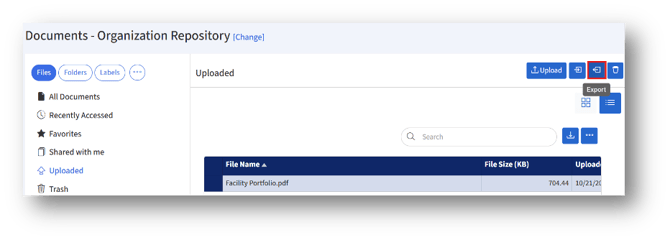
1. To export a document, click the “Export” button under the Uploaded section in the Files/Folders tab.
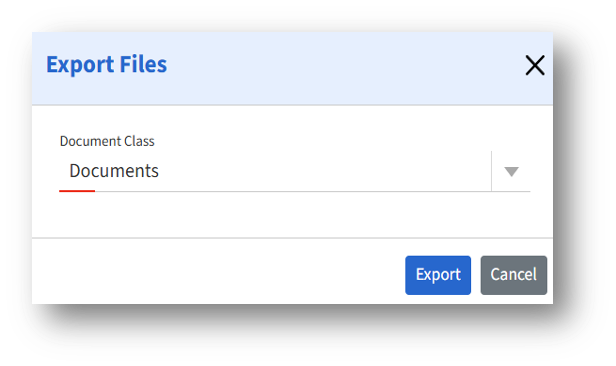
2. To export files, click the “Document Class” drop-down and choose either Documents/Drawings based on your preference, and click the “Export” button.