
1. To edit a space detail, select a space detail and click the “Edit” button.
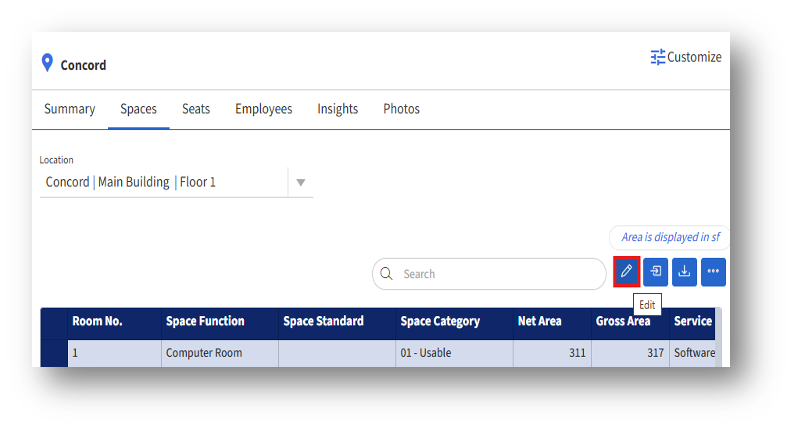
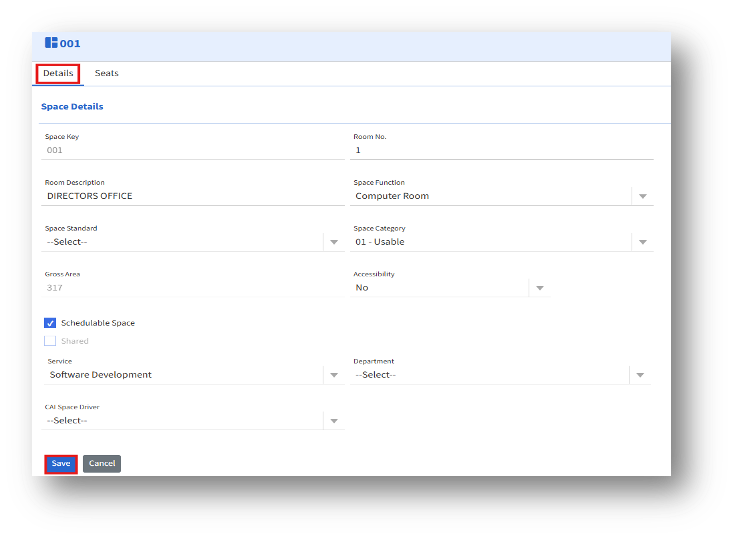
2. Clicking the Edit button opens the Details page. The admin can add a room number, edit the details, and click Save.
3. Clicking the Seats tab opens the Seats page.
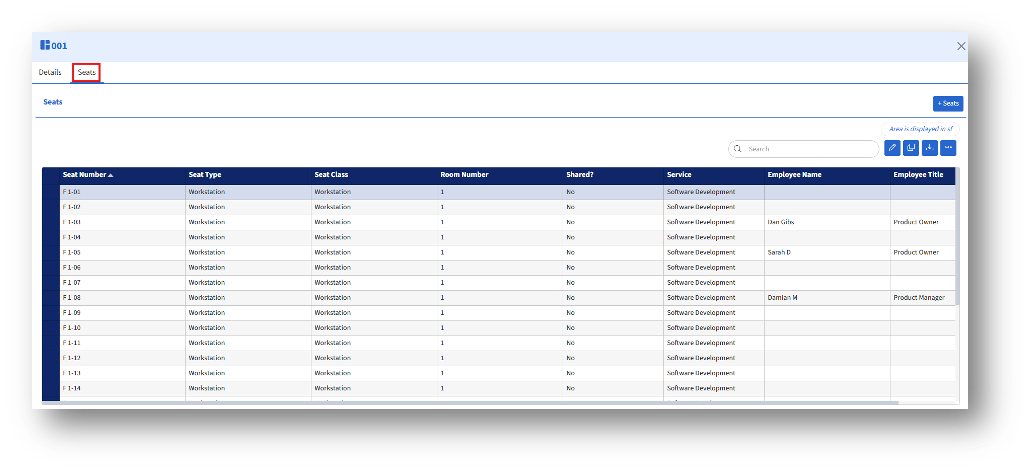
The admin can see the following details:
A.+Seats – Clicking the +Seats button navigates to the “Add Seat” page, where the admin can add seats.B. Edit button – After selecting the seat(s), the admin can edit one or multiple seats.
C. Copy to Clipboard – Allows the admin to copy the selected seats to the clipboard.
D. Download – Downloads the Seat list in Excel format.