
Navigate: System Settings→ General → Preferences → Custom Display Text
1. The admin can customize the display text of the following available fields according to their preferences.
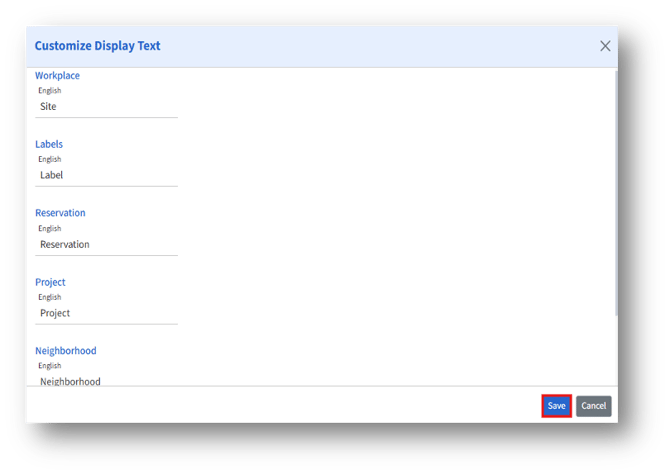
2. After editing, click Save to save the changes.
Seat Type
Navigate: System Settings→ General → Preferences → Seat Type
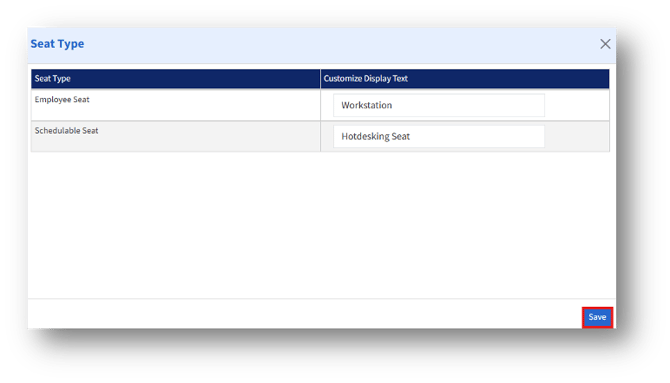
The admin can customize the display text for available seat types and click the Save button to save the changes.