
Navigate: System Settings → Documents → General → Labels

1. Clicking the “Add” button opens the “Add Label” page.
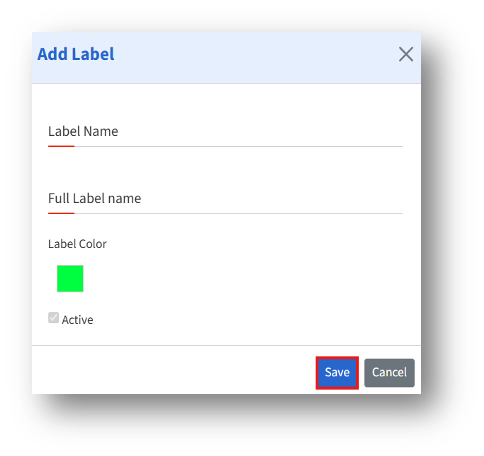
2. The admin can change the Label color by clicking on it and selecting the desired color from the palette.
3. Enter the details, then click Save to create a new label.