1. To add multiple employees at once, click the “Import” button on the Employees page.
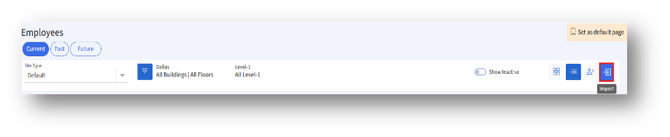
2. Click the “Import” button to navigate to the “Import Data” page.
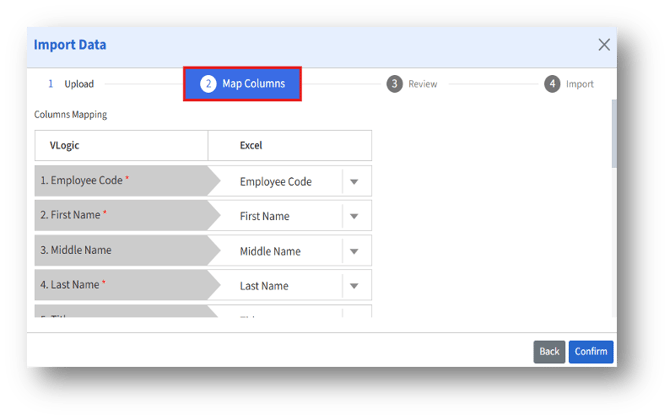
3. In the “Map Columns” section, the employee details in “Excel” fields should match the “VLogic fields.”