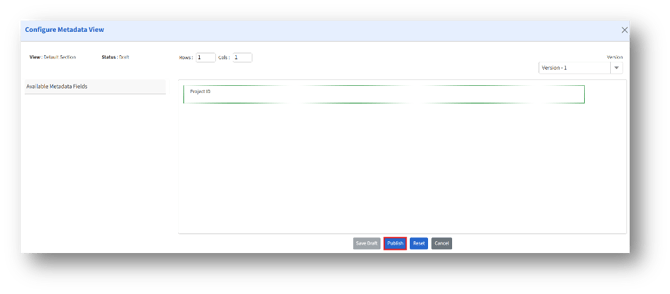
Navigate: System Settings → Documents → General → Document Classes→ Select a Document Class→ Metadata→ Settings
Click the Settings button (Gear icon) to navigate to the “Manage Metadata Fields” page.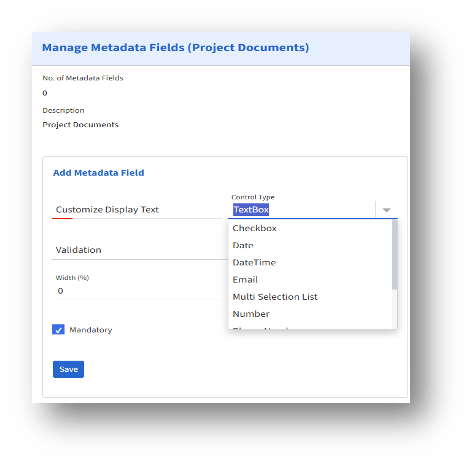
Under the Add Metadata Field section, enter the following fields:
a. Customize Display Text – Define the display text.
b. Control Type – Choose from the drop-down menu.
c. Validation – Choose from the drop-down options to set validation.
d. Width (%) – Set the required width percentage.
e. Mandatory – Check the Mandatory option to make the Metadata field mandatory.
After entering the details, click Save to create a Metadata field.
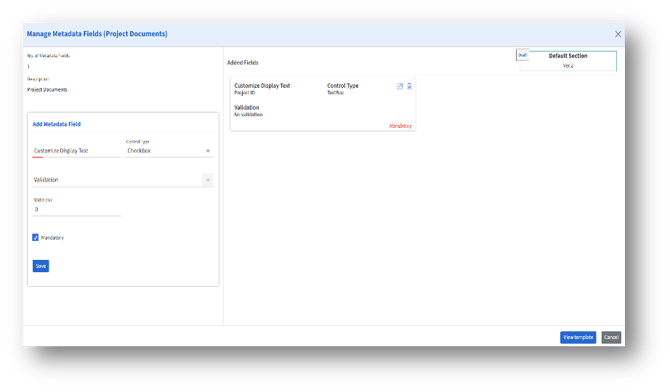
a. The added metadata fields will be listed as shown.
b. Click “View Template” to view the template.
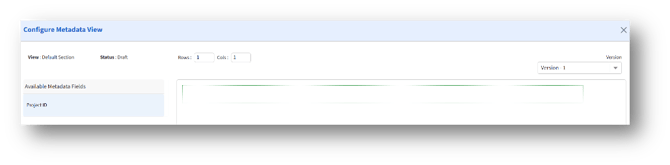
c. Enter the number of rows and columns under “Rows” and “Columns.”
d. Then, drag and drop the metadata fields into the rows created.