
Navigate: System Settings →Space → Employee→ Titles.
1. The Add Title page allows admins to define new employee titles and associate them with a specific grade.
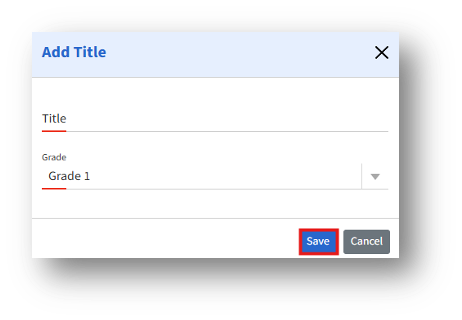
2. Enter Title and Grade and click the Save button to create the new title.
3. Once saved, the newly added title will appear in the Add Employee page under the Title field, allowing admins to assign it to employees.