Navigate: System Settings →Drawings → Settings→VLogic Layers→ Add button.

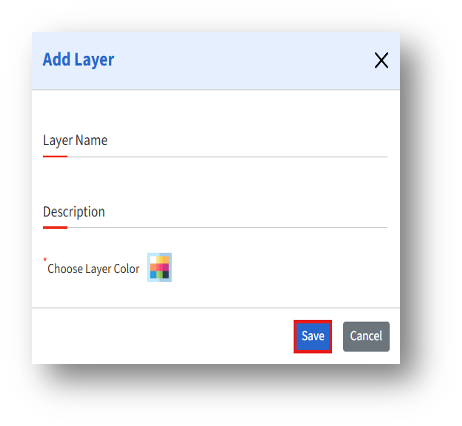
1. Clicking the “Add” button opens the “Add Layer” page.

Navigate: System Settings →Drawings → Settings→VLogic Layers→ Add button.
1. Clicking the “Add” button opens the “Add Layer” page.