
Navigate: System Settings →Organization → Calendar→ Timeslot
1. Click the “Add” button against the Timeslot.

2. Clicking the “Add” button opens the “Add Timeslot” page.
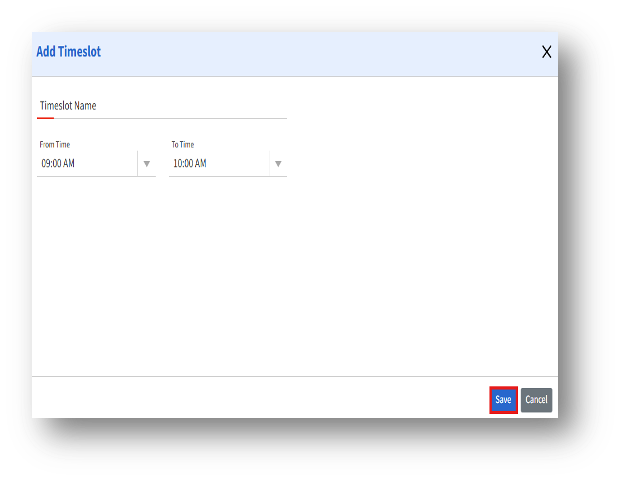
3. The Add Timeslot page enables admins to create and manage custom timeslots that can be applied to seat scheduling for shared seats.
4. Enter the details and click the Save button to save the newly created timeslot.