
Navigate: System Settings →Space → Space → Space Functions.
1. To add a Space function, click the Add button.

2. Then, the “Add Space Function” page appears.
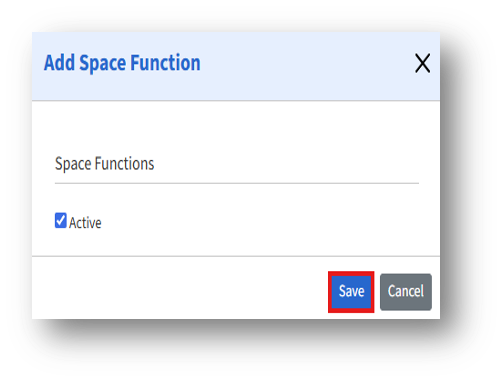
The Add Space Function page allows admins to define new space functions that describe the specific purpose or usage of spaces within the organization.
3. Space Function* – Enter the name or label of the space function to be added.
4. Active Checkbox
a. If checked, the space function will be active and selectable.
b. If unchecked, it will not appear in selection menus for new or edited spaces.
5. After adding the details, click the Save button to store the new space function.