Navigate: System Settings → Organization → Site Types.
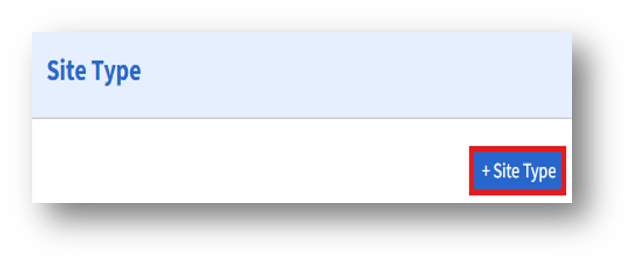
1. To add a new workplace/site type unit, click the “+Workplace/Site Type” button on the left side of the Site Type page.
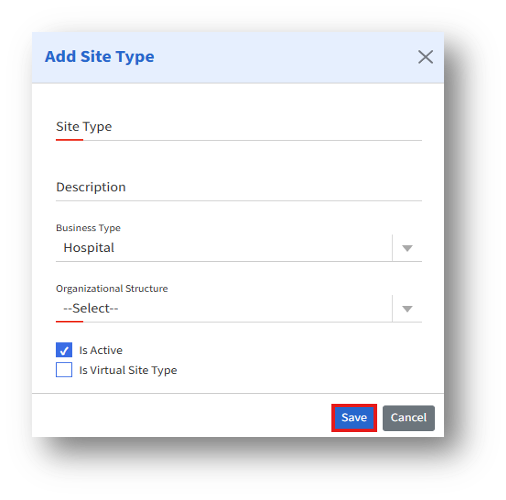
2. Then, the “Add Site Type” page will appear.

Navigate: System Settings → Organization → Site Types.
1. To add a new workplace/site type unit, click the “+Workplace/Site Type” button on the left side of the Site Type page.
2. Then, the “Add Site Type” page will appear.