
Skip to content
English - United States
  • There are no suggestions because the search field is empty.

How can I add a new Organizational structure?

adding new Organizational structure

Navigate: System Settings →Organization → Organizational structure.

    1.   To add a new Organizational structure, click the “Add” button at the top of the “Organizational structure” page.

     2. Clicking the “Add” button opens the “Add Organizational structure” page.
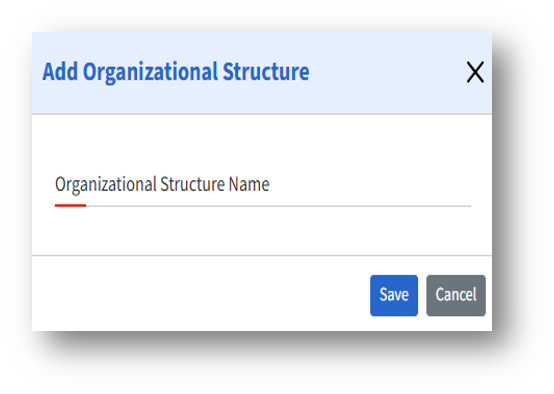
     3.  To create a new organizational structure, enter the desired name in the “Organizational Structure Name” tab and click Save.