
Skip to content
English - United States
  • There are no suggestions because the search field is empty.

How can I add a new holiday?

Adding a new holiday

Navigate: System Settings →Organization → Select Calendar→ Holidays→ Settings

       1.   Click the Settings button (Gear icon) to navigate to the “Holidays” page.
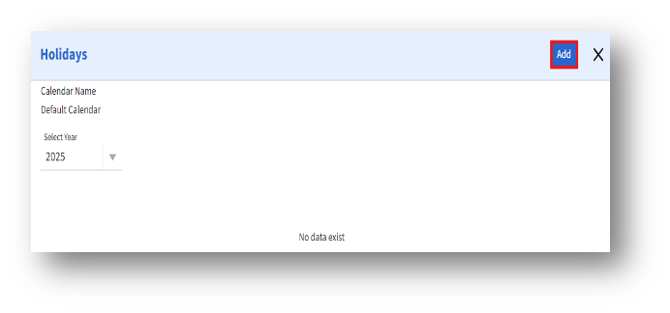
      2.  Click the “Add” button on the top right side of the Holidays page. Then, the “Add Holiday” page appears.
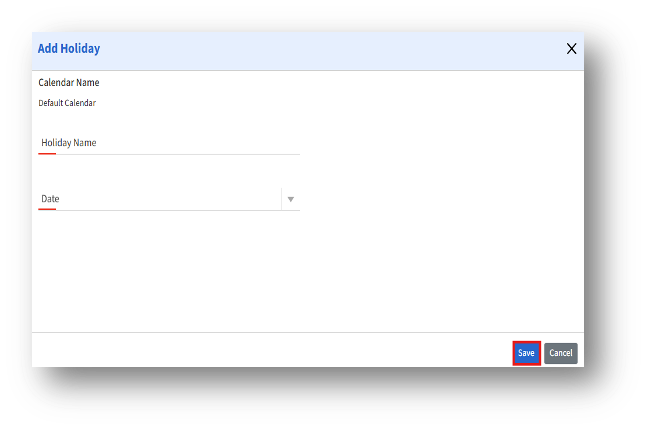
        3.   Enter the Holiday name and select the holiday date from the calendar picker, and click Save to save the new holiday to the selected calendar.