
Navigate: System Settings → Documents → General → Document Classes

1. Clicking the “Add” button opens the “Add Document Class” page.
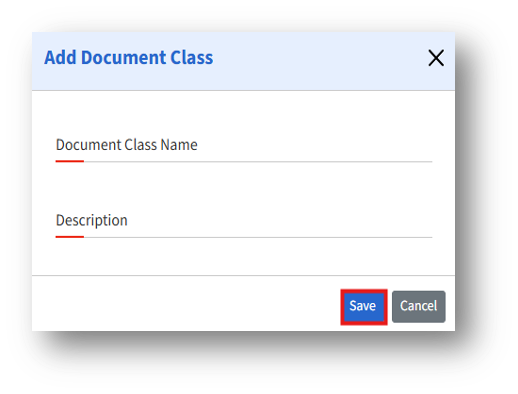
2. The “Add Document Class” page lets admins create document classifications in the system.
3. Enter the following details and click the Save button to create a new document class.