
The user can add a Building drawing from two locations:
1. Building details page
2. More info page

Above image explains on where to click to find the More Info option.
Once you click on the More Info icon on the right then it will be displayed as shown below.
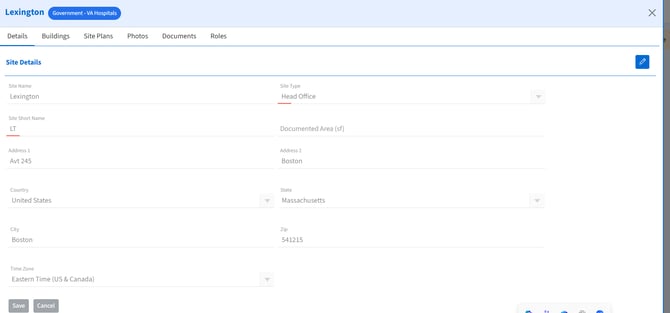
The image above is showing what the more info page contains once you click on it.
The headers which are displayed on the page are:
Details
Buildings
Site Plans
Photos
Documents
Roles
The Site Plans tab can be used to add the plans or drawings for the site and building.
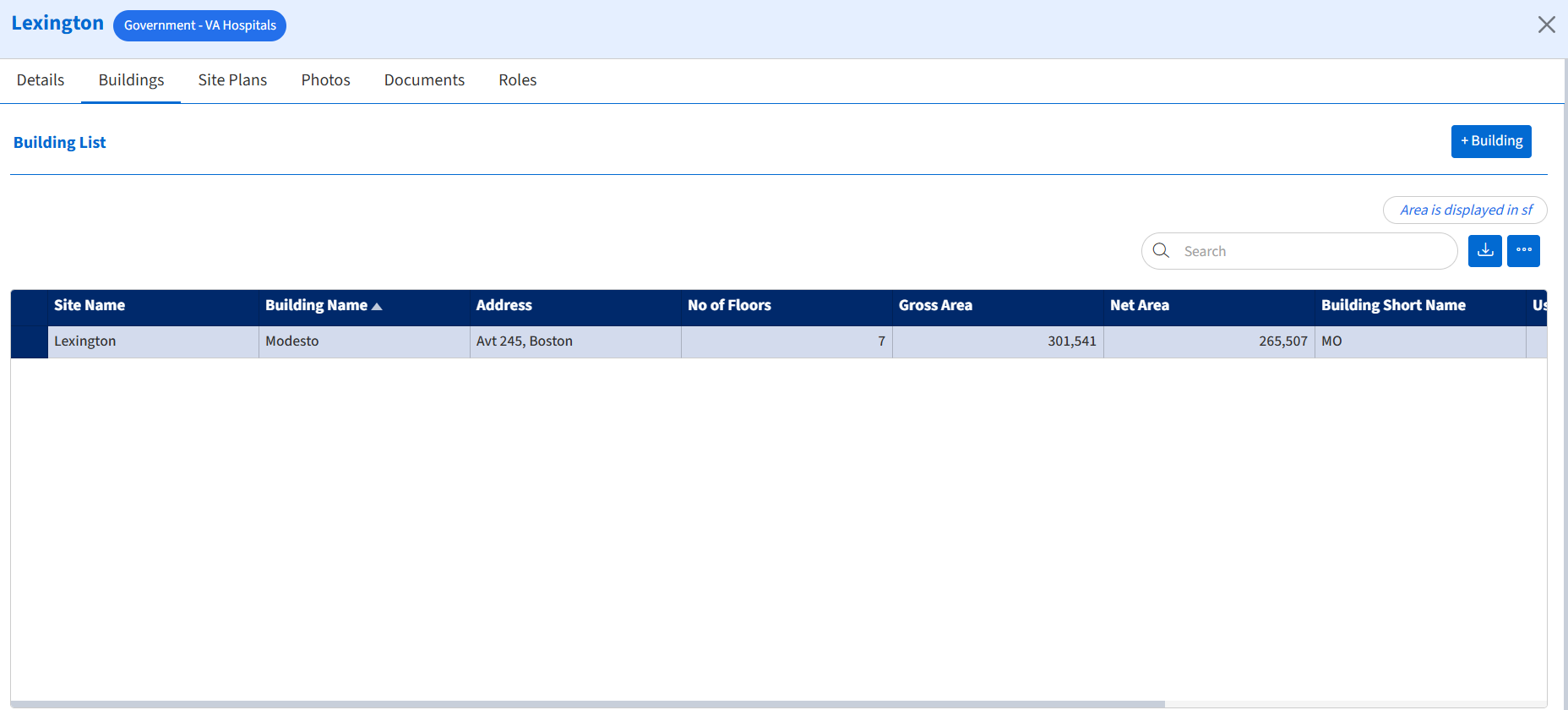
The building tab will display all the buildings which you have added in the system as shown below:
Please click on this link for more information on the Building details page:
https://www.vlogicsystems.com/knowledge-base/how-can-i-add-a-drawing-from-building-details-page